How to Stop Spam Emails Forever (Complete Guide)
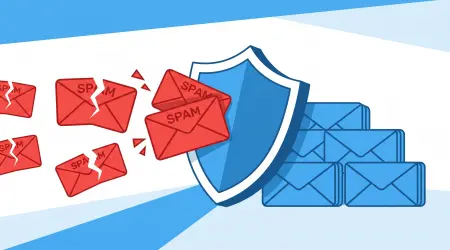
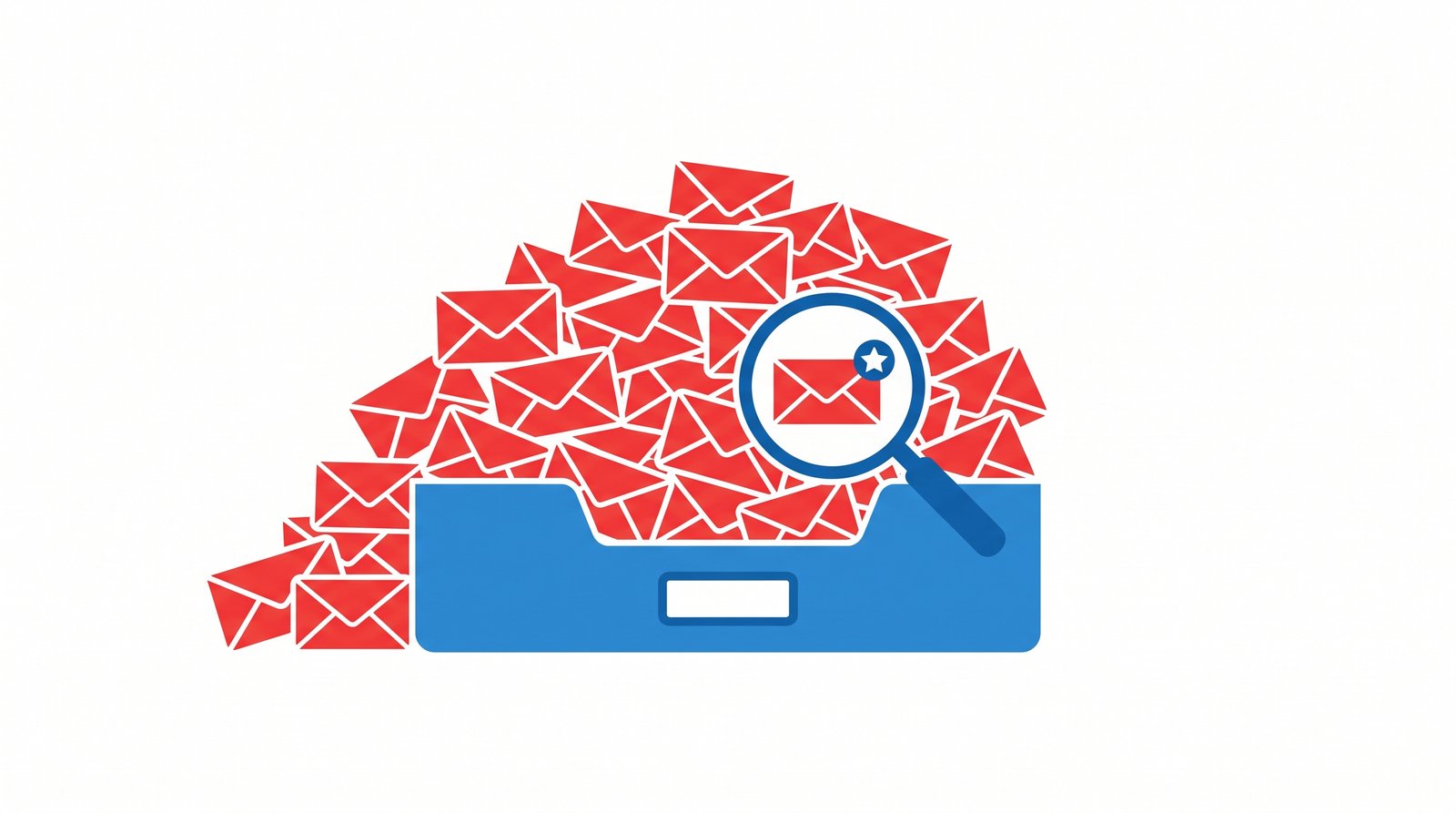
If you're reading this, chances are your inbox looks something like this: a handful of emails you actually care about, buried under dozens of promotional blasts, "exclusive deals," and messages from companies you don't remember signing up with. You're not imagining it — the average inbox receives a significant share of its daily volume as unwanted mail, and that number keeps climbing every year.
The good news: spam isn't random, and it isn't unstoppable. It follows predictable patterns, which means it can be prevented with the right habits and tools. This guide walks through exactly how spam finds you, and the seven most effective ways to stop it — permanently.
How Spam Finds Your Inbox in the First Place
Before we talk about stopping spam, it helps to understand how it starts. Spam doesn't appear out of nowhere — it almost always traces back to one of these sources:
1. Sign-up forms. Every account you create, every newsletter you subscribe to, and every "enter your email for 10% off" pop-up is a potential entry point. Some companies sell or share subscriber lists with third parties, often buried in the fine print you never read.
2. Data breaches. When a company you've signed up with gets hacked, your email address (and sometimes your password) can end up on lists that are bought, sold, and traded among spammers.
3. Web scraping. Bots crawl the internet looking for email addresses posted publicly — on forums, comment sections, business directories, or old social media profiles.
4. Guessing and brute-forcing. Spammers use software that generates common name-and-domain combinations (like john.smith@gmail.com) and blasts messages to millions of guesses at once, hoping some land in real inboxes.
5. Referral and "invite a friend" programs. If someone you know entered your email into a referral form, it may have entered a marketing database without your direct consent.
Once your address is in circulation, it tends to spread. Data brokers aggregate and resell email lists, which is why a single sign-up can eventually lead to spam from companies you've never even heard of.
Why Spam Is More Than Just Annoying
Beyond the daily nuisance, spam carries real risks:
- Phishing attempts disguised as legitimate emails can trick you into revealing passwords or financial information.
- Malware-laden attachments can compromise your device with a single click.
- Inbox clutter makes it easy to miss genuinely important emails — a bill, a security alert, or a message from your bank.
- Tracking pixels embedded in marketing emails can quietly confirm your email is active, making you a more valuable target for future spam.
With that context in mind, let's get into the actual solutions.
7 Proven Ways to Stop Spam Emails
1. Use a Temporary Email for Anything Non-Essential
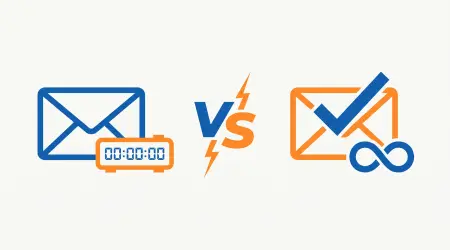
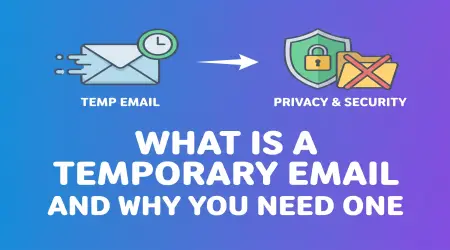
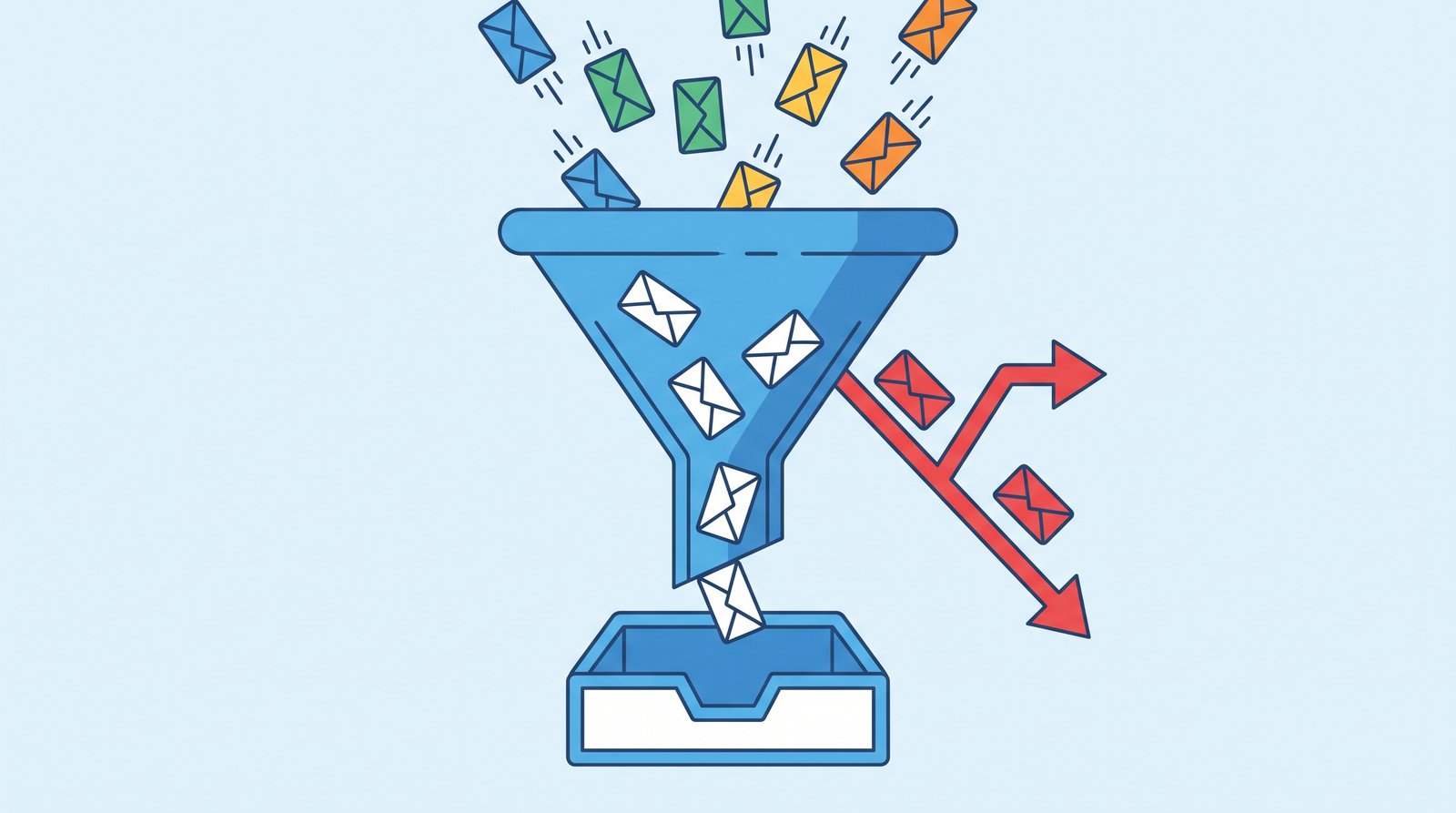
This is, by far, the most effective long-term strategy. A temporary email address acts as a buffer between your real inbox and the rest of the internet. Instead of handing out your permanent address every time a website asks for it, you generate a disposable one instead.
Use it for:
- One-time downloads (ebooks, whitepapers, software trials)
- Newsletter sign-ups you're only mildly interested in
- Creating accounts on websites you're not sure you'll trust long-term
- Free trials that require an email but that you don't want to hear from again
If the source turns out to be spammy, you simply let the temporary address expire — no unsubscribing, no filtering, no cleanup. For a deeper look at how this works, see our guide on what a temporary email is and why you need one.
2. Actually Use the Unsubscribe Link (From Legitimate Senders)
For emails from real, known companies, the unsubscribe link at the bottom usually works and is legally required in most countries. Clicking it is safer and more effective than simply deleting the email repeatedly.
Important distinction: only unsubscribe from senders you recognize. Clicking "unsubscribe" on a suspicious or unfamiliar email can sometimes confirm to spammers that your address is active — which can increase spam rather than reduce it.
3. Use Your Email Provider's Built-In Filters
Most major email providers have improved spam detection significantly. Make sure you're taking full advantage of it:
- Mark unwanted emails as "Spam" or "Junk" instead of just deleting them — this trains the filter.
- Set up custom rules to automatically archive or delete emails from repeat offenders.
- Regularly check your spam folder for false positives, then adjust filters accordingly.
4. Create Email Aliases for Different Purposes
Many providers (Gmail, Outlook, and others) support aliases — variations of your email address that all deliver to the same inbox, such as yourname+shopping@gmail.com. This lets you track exactly which sign-up led to spam, and filter or block that alias specifically without affecting your main address.
This works well for accounts you plan to use long-term. For anything short-term or uncertain, a temporary email is still the simpler option since it requires no setup and leaves zero trace tied to your real address.
5. Never Post Your Email Publicly
Avoid posting your real email address on public forums, social media bios, business directories, or comment sections. If you need to share contact information publicly, consider:
- Writing it in a format bots struggle to scrape, like
name [at] domain [dot] com - Using a contact form instead of a visible address
- Using a dedicated temporary or secondary address for public-facing purposes
6. Check If Your Email Has Been Part of a Data Breach
If your address has been exposed in a past breach, it's likely already circulating on spam lists. Services like Have I Been Pwned let you check whether your email has appeared in known breaches. If it has, consider changing passwords on any affected accounts and being extra cautious with that address going forward.
7. Be Selective About Free Trials and Downloads
That "free" eBook, checklist, or software trial almost always costs you something: your email address, and often your spot on a recurring marketing list. Before entering your real email:
- Ask whether you'll actually use the resource, or if you're signing up out of impulse
- Check if the company has a reputation for aggressive marketing
- Default to a temporary email unless you're confident you want ongoing contact
What to Do If You're Already Drowning in Spam
If your inbox is already overwhelmed, here's a practical cleanup approach:
- Sort by sender and identify the top 10 sources of unwanted email.
- Unsubscribe from legitimate senders first — this handles the bulk of ongoing spam with the least effort.
- Block and report anything that looks like phishing or comes from an unrecognized sender.
- Consider a fresh start for accounts buried in spam — some providers let you create filters that archive everything from a specific sender automatically, effectively muting them without unsubscribing (useful if you're unsure whether unsubscribing is safe).
- Going forward, adopt the temporary email habit for anything new, so your cleaned-up inbox stays that way.
Building a Long-Term Spam-Free Habit
The most sustainable approach to a spam-free inbox isn't a one-time cleanup — it's a habit. Before entering your email anywhere, ask yourself: do I actually need this connection to be permanent?
For anything where the answer is no . which, realistically, is most sign-ups . a temporary email from a service like Tempya removes the decision entirely. You get a working inbox instantly, use it for as long as you need, and let it disappear afterward. No unsubscribing, no filtering, no risk of it becoming another source of spam six months from now.
FAQ
Will unsubscribing from spam make it worse? For legitimate companies, no — unsubscribing is safe and required by law in most regions. For unfamiliar or suspicious senders, avoid clicking unsubscribe, as it can confirm your address is active.
Can spam emails contain viruses? Yes. Malicious attachments and links in spam emails are a common way malware spreads. Avoid opening attachments or clicking links from unfamiliar senders.
Is it possible to completely eliminate spam? Realistically, no email address is 100% immune, but combining a temporary email for sign-ups, active filtering, and careful sharing of your real address can reduce spam by the vast majority.
How is a temporary email different from just using filters? Filters manage spam after it arrives. A temporary email prevents it from being sent to your real address in the first place — it's prevention rather than cleanup.
Do temporary emails work for verification codes and sign-ins? Yes, most temp mail services, including Tempya, deliver verification emails and codes in real time, just like a normal inbox.
Spam feels overwhelming because it accumulates slowly, one sign-up at a time. The fix works the same way — one smart decision at a time. Start by handling your next sign-up differently: get a free temporary email from Tempya instead of your real one, and watch your permanent inbox stay exactly as clean as you want it to be.